As manufacturers invest in digital transformation, a common question arises: What is the difference between MES and ERP, and do manufacturers need both systems?
While MES (Manufacturing Execution System) and ERP (Enterprise Resource Planning) both support manufacturing operations, they serve different purposes. ERP manages business processes and enterprise resources, while MES focuses on executing and monitoring production activities on the shop floor.
When properly integrated, these systems connect production planning with actual manufacturing performance, helping businesses improve data visibility, reduce manual work, and make more informed decisions.
This article explains the key differences between MES and ERP, how the two systems exchange data, and what manufacturers should consider before implementation.
01. MES vs. ERP: What Is the Difference?
ERP systems manage enterprise-wide processes such as purchasing, sales, inventory, finance, and resource planning. They help organizations coordinate business operations and maintain consistent information across departments.
MES systems, on the other hand, manage production execution. They collect and organize information about work orders, production progress, output, quality, and activities on the factory floor.
The following table highlights their main differences.
| Comparison | MES | ERP |
|---|---|---|
| Primary Purpose | Manage and monitor production execution | Manage enterprise resources and business processes |
| Key Functions | Work orders, production tracking, quality, shop-floor data | Purchasing, inventory, finance, sales, resource planning |
| Typical Users | Production teams, supervisors, quality managers | Planning, purchasing, finance, management teams |
| Data Focus | Detailed production activities and shop-floor status | Business transactions, plans, and aggregated information |
In practice, the boundaries between MES and ERP can vary depending on the software and the manufacturer’s operating model. Some functions may overlap, but their core responsibilities remain different.
02. Why Integrate MES with ERP?
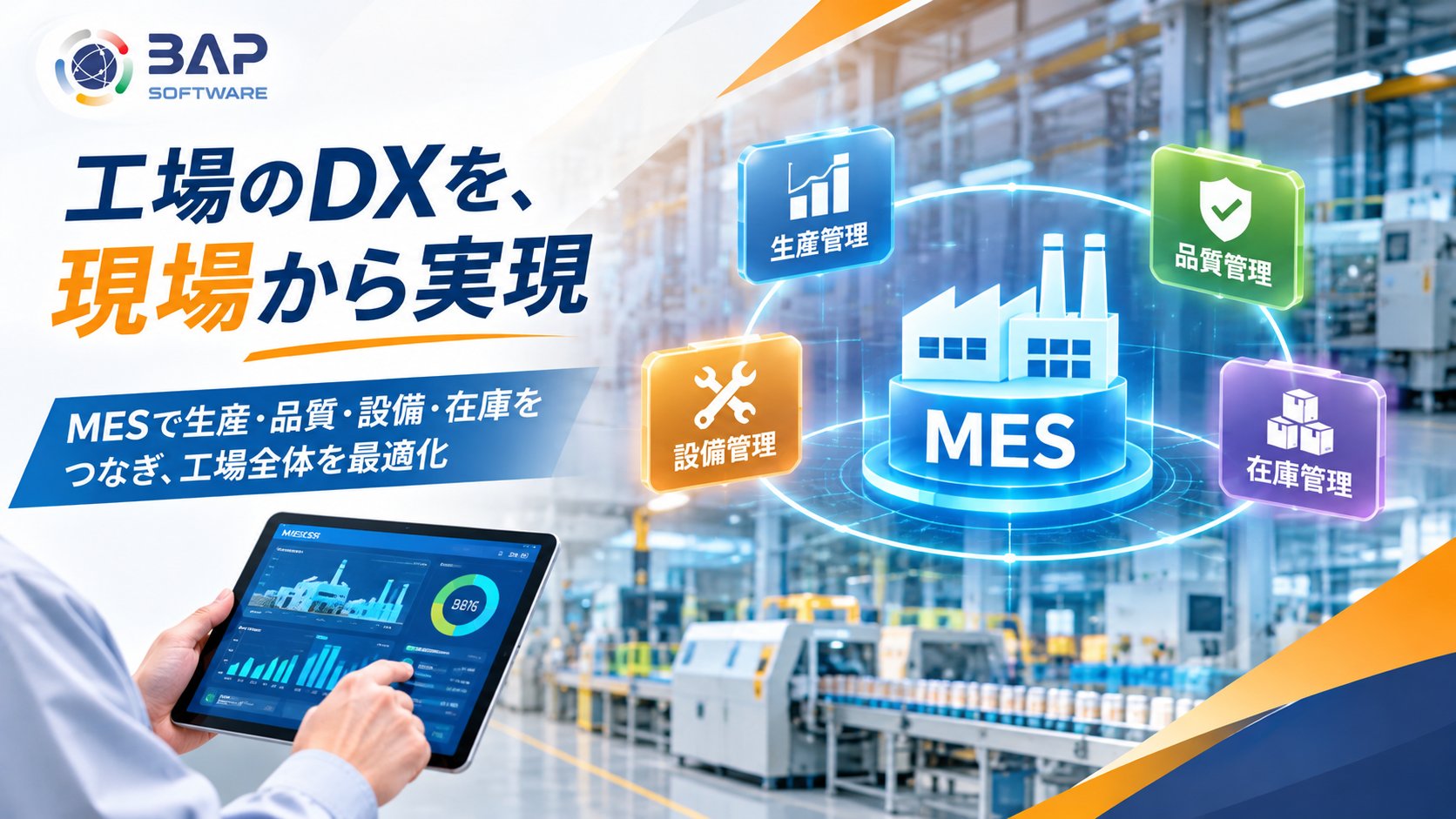
MES and ERP integration connects production plans with actual shop-floor results. This helps manufacturers maintain more consistent information across production and business operations.
03. MES and ERP Integration: Methods and Key Considerations
Successful integration requires more than connecting two applications. Manufacturers need to define which system owns each type of data, when information should be exchanged, and how inconsistencies will be handled.
How MES and ERP Work Together
↑ Production Results and Material Consumption
1. Define Data Ownership and Responsibilities
Identify which system manages item master data, production orders, inventory records, and lot information. Establish clear rules for updating and synchronizing this data.
2. Choose the Right Integration Method
Depending on existing system capabilities and update requirements, integration may use APIs, file-based data exchange, or middleware. The most suitable approach depends on system architecture, operational needs, and required data frequency.
3. Start with High-Priority Data Flows
Rather than connecting every function at once, manufacturers can begin with production orders and actual output data, validate the workflow, and gradually expand the integration scope.
KEY CONSIDERATION
Reliable MES–ERP integration also requires appropriate data synchronization schedules, error handling, retry mechanisms, and consistency checks.
04. MES and ERP Integration Support from BAP
BAP supports manufacturers with MES development, integration with ERP and existing production management systems, and centralized management of production, quality, and inventory data.
By considering each factory’s workflows and current IT environment, BAP can support requirements analysis, system design, custom development, phased implementation, and ongoing maintenance.
Planning to Integrate MES with Your ERP System?
Whether you want to connect ERP with shop-floor operations, reduce spreadsheet-based reporting, or build an MES around your existing systems, BAP can help you explore an approach that fits your manufacturing environment.
Conclusion
MES and ERP serve complementary roles in manufacturing. MES manages production execution and shop-floor activities, while ERP supports enterprise-wide planning and business operations.
Integrating the two systems helps connect production plans with actual results, improve data consistency, and reduce manual processes. The key is to establish clear system responsibilities and a practical integration strategy before implementation.